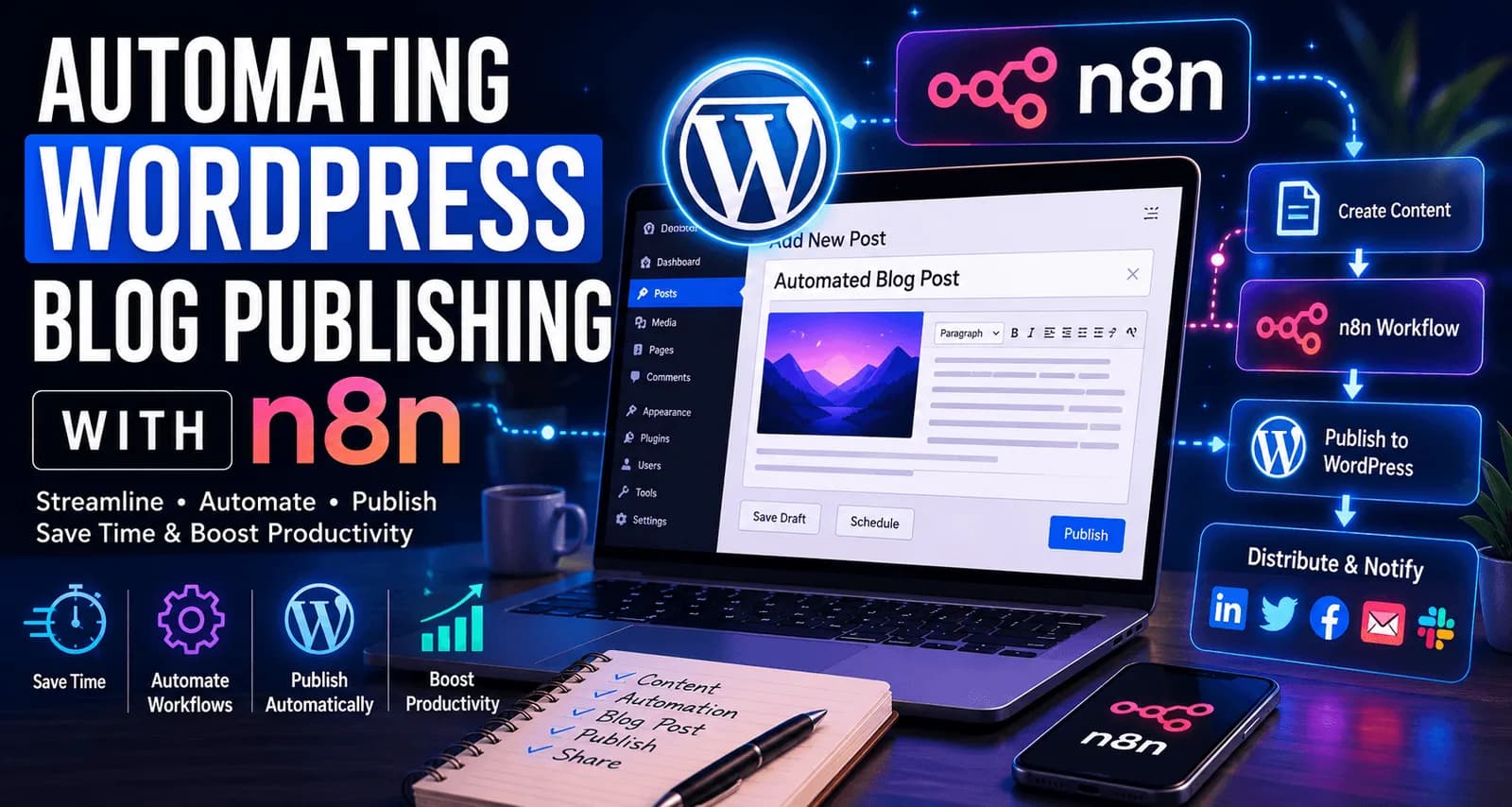
Publishing blog content consistently is one of the most time-consuming parts of content marketing. Writing the article is only the beginning. Once the content is ready, it still needs to be formatted, uploaded to WordPress, categorized, scheduled, published, and often shared across multiple channels.
For businesses publishing content regularly, these repetitive tasks quickly add up.
This is where automation becomes valuable. By combining WordPress and n8n, you can build workflows that automatically create posts, schedule content, notify teams, distribute articles on social media, and even integrate AI-generated content pipelines.
In this guide, I'll show you how WordPress and n8n work together and walk through a practical workflow that automatically publishes content to WordPress.
What is n8n?
n8n is an open-source workflow automation platform that allows different applications and services to communicate with each other.
Think of n8n as a bridge between your tools.
For example:
Google Docs → WordPress
Notion → WordPress
OpenAI → WordPress
Airtable → WordPress
WordPress → LinkedIn
Instead of manually moving information between systems, n8n automates the process.
Because it is self-hostable and highly customizable, many developers and businesses prefer it over traditional automation platforms.
Why Use WordPress and n8n Together?
The combination of wordpress n8n allows businesses to automate repetitive content tasks.
Benefits include:
Faster content publishing
Reduced manual work
Consistent workflows
Better content distribution
Easier team collaboration
Scalable content operations
Instead of spending time copying and pasting content into WordPress, you can automate the entire process.
How WordPress and n8n Communicate
WordPress provides a REST API that allows external systems to interact with your website.
This API can:
Create posts
Update posts
Retrieve categories
Upload media
Schedule content
n8n connects to this API and performs actions automatically.
The workflow looks like this:
Content Source
       ↓
      n8n
       ↓
 WordPress REST API
       ↓
 Published Article
This architecture forms the foundation of most WordPress automation workflows.
Step 1: Create an Application Password in WordPress
Before connecting WordPress to n8n, you'll need authentication credentials.
Inside WordPress:
Users
  → Profile
      → Application Passwords
Create a new application password and copy the generated value.
You'll use:
Website URL
Username
Application Password
inside n8n.
Application Passwords are safer than using your primary account password and are specifically designed for API integrations.
Step 2: Create a New Workflow in n8n
After logging into n8n:
Create a new workflow
Add a trigger node
Choose your content source
Popular content sources include:
Google Docs
Notion
Airtable
RSS Feeds
OpenAI
Manual Triggers
Google Spreadsheets
For beginners, a Manual Trigger is the easiest place to start.
Step 3: Add a WordPress Node
Next, add a WordPress node.
Configure:
Website URL:
https://yourwebsite.com

Username:
your_username

Application Password:
generated_password
Choose:
Operation:
Create Post
Once connected, n8n can create posts directly on your website.
Step 4: Map Content Fields
Now configure the fields that should be sent to WordPress.
Typical mappings include:
Title
Content
Excerpt
Categories
Tags
Status
Example:
Title:
Automating WordPress Blog Publishing with n8n

Status:
Draft
I generally recommend publishing drafts first rather than publishing directly to production.
This adds an important quality-control step.
Step 5: Publish Your First Automated Post
Once your workflow is configured:
Execute the workflow
n8n retrieves content
WordPress receives data
Draft is created automatically
You should now see the article inside:
WordPress
    → Posts
        → All Posts
At this point, your first WordPress n8n automation is complete.
Example Workflow: OpenAI → n8n → WordPress
One increasingly popular workflow combines AI-generated content with WordPress publishing.
Example:
OpenAI
    ↓
Generate Article
    ↓
n8n
    ↓
Format Content
    ↓
Create WordPress Draft
    ↓
Editor Review
    ↓
Publish
This workflow dramatically reduces content preparation time while maintaining human oversight.
Example Workflow: Notion → n8n → WordPress
Many content teams prefer writing inside Notion.
Instead of manually transferring articles:
Notion
   ↓
n8n
   ↓
WordPress
When an article status changes to "Ready for Publishing," n8n can automatically create a WordPress draft.
This workflow is particularly useful for marketing teams.
Automating Social Media Distribution
Publishing the article is only half the process.
After publication, n8n can automatically:
Create LinkedIn posts
Send email notifications
Publish to X
Notify Slack channels
Update CRMs
Example:
WordPress Post Published
            ↓
           n8n
            ↓
 LinkedIn + Email + Slack
This ensures content reaches your audience immediately.
Common Issues and Solutions
Authentication Failed
Usually caused by:
Verify credentials first.
REST API Disabled
Some security plugins restrict API access.
Test:
https://yourwebsite.com/wp-json/wp/v2/posts
If the endpoint is unavailable, investigate plugin restrictions.
Categories Not Assigned
Ensure category IDs exist inside WordPress before mapping them in n8n.
Featured Images Not Uploading
In most cases, images must be uploaded separately before attaching them to posts.
Best Practices
After building several automation workflows, I've found these practices extremely valuable:
Create Drafts First
Avoid publishing directly to production whenever possible.
Secure Credentials
Store application passwords securely and rotate them periodically.
Monitor Executions
Review workflow logs regularly to identify failures.
Keep Workflows Simple
Complex workflows are harder to maintain and troubleshoot.
Test Before Scaling
Always validate workflows using test content before automating large publishing volumes.
Final Thoughts
The combination of wordpress n8n creates a powerful content automation platform for businesses, agencies, and content teams.
Whether you're publishing articles from Notion, generating content through AI, or automating social media distribution, n8n can eliminate repetitive tasks and create more efficient workflows.
The goal isn't simply to automate publishing. The goal is to build a content system that allows your team to spend less time on manual processes and more time creating valuable content.
For organizations looking to scale content production without increasing operational complexity, WordPress and n8n are an excellent combination worth exploring.