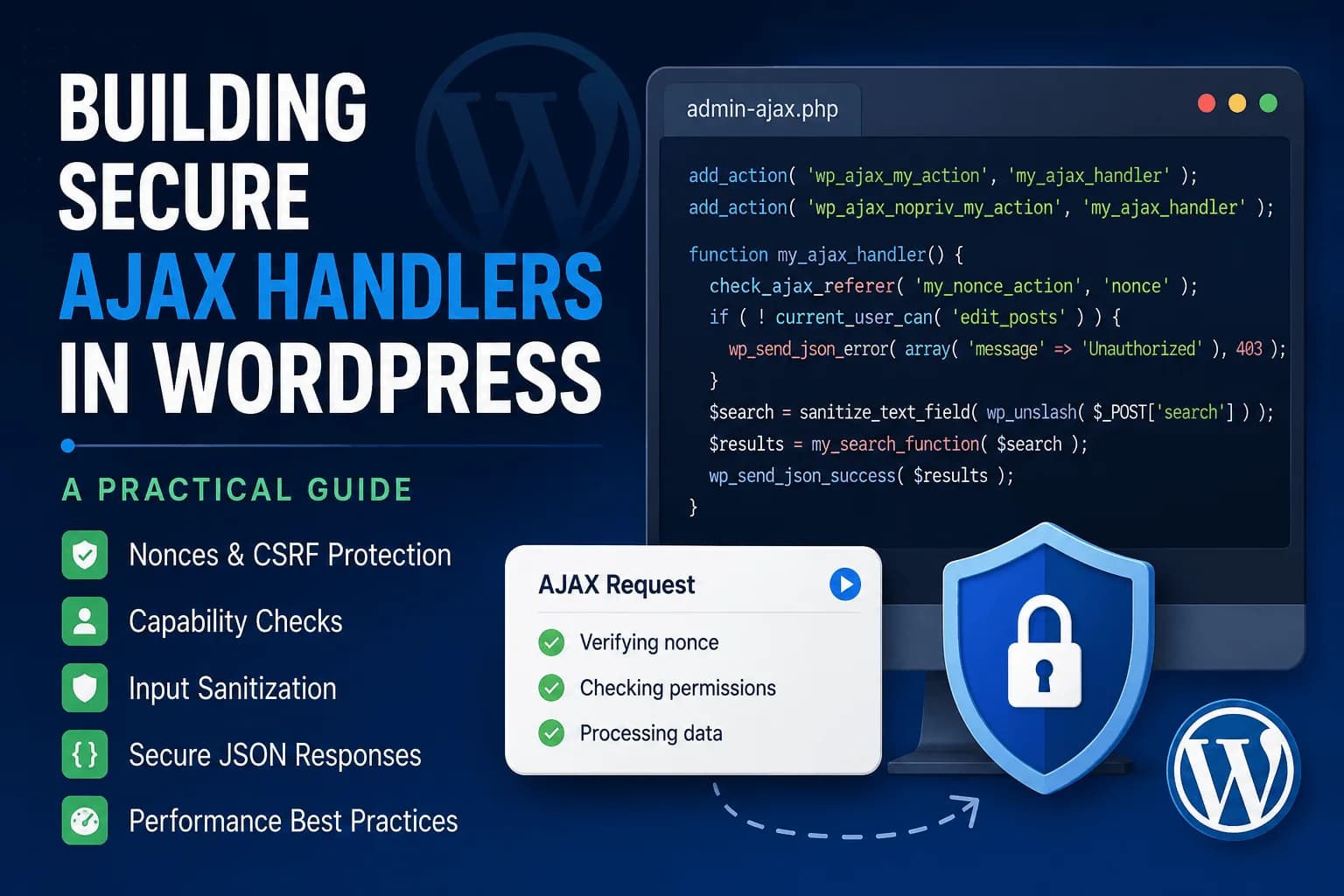
If you've ever built a live search, product filter, "Load More" button, or AJAX form in WordPress, you've probably used admin-ajax.php. It's one of the easiest ways to create interactive features without reloading the page, but it's also one of the most common places where security gets overlooked.
A working AJAX handler isn't necessarily a secure one. The good news is that WordPress already provides everything you need to protect your requests—you just need to use those tools consistently.
In this guide, we'll build a secure AJAX workflow step by step and look at the practices that should become part of every WordPress project.
How WordPress AJAX Works
Every AJAX request in WordPress is sent to a single endpoint:
/wp-admin/admin-ajax.php
When the request reaches WordPress, it looks for an action parameter and fires the matching hook.
add_action( 'wp_ajax_my_action', 'my_ajax_handler' );
add_action( 'wp_ajax_nopriv_my_action', 'my_ajax_handler' );
The first hook handles authenticated users, while the second allows visitors who aren't logged in.
If your feature should only be available to authenticated users, simply don't register the wp_ajax_nopriv_ action.
On the JavaScript side, a request usually looks something like this:
fetch(ajaxObject.ajaxUrl, {
    method: 'POST',
    headers: {
        'Content-Type': 'application/x-www-form-urlencoded'
    },
    body: new URLSearchParams({
        action: 'my_action',
        nonce: ajaxObject.nonce,
        search: userInput
    })
})
.then(response => response.json())
.then(data => console.log(data));
The request itself is straightforward. Making sure it can't be abused is where things become more important.
Step 1: Verify Every Request with a Nonce
The first thing every AJAX handler should do is verify the request.
A WordPress nonce helps protect your application against Cross-Site Request Forgery (CSRF). It confirms that the request originated from a page generated by your website instead of another website attempting to trigger actions on behalf of your users.
Generate the nonce when loading your JavaScript:
wp_localize_script(
    'my-plugin-script',
    'ajaxObject',
    array(
        'ajaxUrl' => admin_url( 'admin-ajax.php' ),
        'nonce'   => wp_create_nonce( 'my_plugin_nonce_action' ),
    )
);
Then verify it immediately inside your AJAX callback.
check_ajax_referer( 'my_plugin_nonce_action', 'nonce' );
If the nonce is invalid, WordPress automatically stops execution.
One important thing to remember is that a nonce is not a permission check. It only verifies that the request is legitimate. It doesn't decide whether the current user should be allowed to perform the requested action.
Step 2: Always Check User Permissions
This is probably the most overlooked part of WordPress AJAX security.
Many developers verify the nonce and assume they're finished.
They're not.
Imagine an AJAX handler that deletes posts.
Without checking permissions, any logged-in user who has access to the nonce could attempt to call that endpoint directly.
if ( ! current_user_can( 'delete_post', $post_id ) ) {
    wp_send_json_error(
        array(
            'message' => 'Insufficient permissions.'
        ),
        403
    );
}
A simple rule I always follow is this:
You almost always need both.
Step 3: Never Trust User Input
Every value coming from $_POST or $_GET should be treated as untrusted.
WordPress provides sanitization functions for almost every common data type.
For example:
sanitize_text_field() for plain text
sanitize_textarea_field() for longer text
sanitize_email() for email addresses
esc_url_raw() for URLs
absint() for integers
wp_kses_post() when allowing safe HTML
Always remember to call wp_unslash() before sanitizing request data.
$title = isset( $_POST['title'] )
    ? sanitize_text_field( wp_unslash( $_POST['title'] ) )
    : '';
Sanitizing input helps prevent unexpected or malicious data from reaching your application.
Step 4: Escape Data Before Sending It Back
Sanitizing protects your application when data comes in.
Escaping protects it when data goes out.
If your AJAX response includes user-generated content, escape it for the appropriate context.
wp_send_json_success(
    array(
        'message' => esc_html__( 'Note updated.', 'my-plugin' ),
    )
);
Likewise, avoid inserting raw HTML into the page with innerHTML unless you've properly sanitized it first. If you're only displaying text, textContent is usually the safer option.
Step 5: Return Proper JSON Responses
Instead of manually calling echo json_encode() followed by die(), use the helpers WordPress already provides.
wp_send_json_success( $data );

wp_send_json_error( $data );
These functions automatically send the correct headers, return properly formatted JSON, and stop execution cleanly.
It also makes your frontend code much easier to work with because every response follows the same structure.
Performance Still Matters
Security isn't the only thing worth thinking about.
Some AJAX handlers work perfectly but become slow under heavy traffic because every request performs unnecessary work.
A few simple habits can make a noticeable difference:
Only return the data the frontend actually needs.
Avoid expensive database queries whenever possible.
Cache repeated lookups using transients or object caching when appropriate.
Debounce search requests so users aren't sending a request on every keystroke.
Keep each AJAX callback focused on a single responsibility.
A secure AJAX handler should also be efficient.
AJAX or REST API?
A question that comes up frequently is whether new projects should still use admin-ajax.php.
The answer depends on what you're building.
If the feature is tightly integrated with WordPress, such as admin tools, WooCommerce functionality, or authenticated user actions, AJAX remains a perfectly valid choice.
If you're exposing data for external applications, building a headless website, or creating endpoints that other systems will consume, the WordPress REST API is usually a better fit.
Neither approach replaces the other. They solve different problems, and choosing the right one depends on your application's architecture.
Common Mistakes to Avoid
Some of the most common security issues I see in WordPress AJAX handlers are surprisingly simple.
Developers often verify the nonce but forget to check user capabilities. Others trust values like user_id sent from the browser instead of getting the current user directly from WordPress.
Another common mistake is registering the wp_ajax_nopriv_ hook without actually needing guest access.
Finally, many callbacks still return JSON using echo and die(). While this works, using wp_send_json_success() and wp_send_json_error() produces cleaner, more consistent responses.
Final Thoughts
Building secure AJAX handlers isn't about making your code more complicated. In most cases, it comes down to following the same set of practices every time you create a new endpoint. Verify the request with a nonce, confirm that the current user has permission to perform the action, sanitize incoming data, escape anything that's sent back to the browser, and return structured JSON responses. These are all simple steps, but together they create a much stronger foundation for your application.
It's also worth remembering that security and performance go hand in hand. A well-designed AJAX handler should not only protect your application from unauthorized requests but also remain efficient under real-world usage. By keeping your callbacks focused, validating data consistently, and using WordPress's built-in APIs, you'll build features that are easier to maintain, easier to debug, and ready to scale as your project grows.