Introduction
One of the biggest advantages of WordPress is its flexibility. While there are thousands of plugins available in the official repository, sooner or later you’ll come across a requirement that no existing solution can satisfy. That’s where building a custom WordPress plugin becomes the right approach.
Over the years, I’ve found that many projects become unnecessarily complex because developers try to combine multiple third-party plugins to achieve one business requirement. It might work initially, but debugging conflicts, maintaining compatibility, and upgrading the site quickly becomes frustrating.
A well-designed custom plugin keeps your business logic separate from your theme, makes your code reusable, and gives you complete control over functionality and performance.
Why Build a Custom WordPress Plugin?
A custom plugin is ideal when you need functionality that is unique to your business or client.
Common examples include:
· CRM integrations
· Custom dashboards
· Booking systems
· AI-powered workflows
· External API integrations
· WooCommerce customizations
· Internal management tools
· Custom reporting systems
Instead of modifying WordPress core files or stuffing everything inside a theme, plugins provide a maintainable and scalable architecture.
Plan Before You Write Code
One mistake I frequently see is developers opening their editor and immediately writing code without planning the structure.
Before creating a plugin, define:
· What problem it solves
· Required database tables
· Admin pages
· User permissions
· API integrations
· Activation and uninstall behavior
· Performance considerations
Thirty minutes spent planning often saves several hours of debugging later.
Create the Plugin Folder
Inside wp-content/plugins, create your plugin folder.
Example:
wp-content/
plugins/
my-custom-plugin/
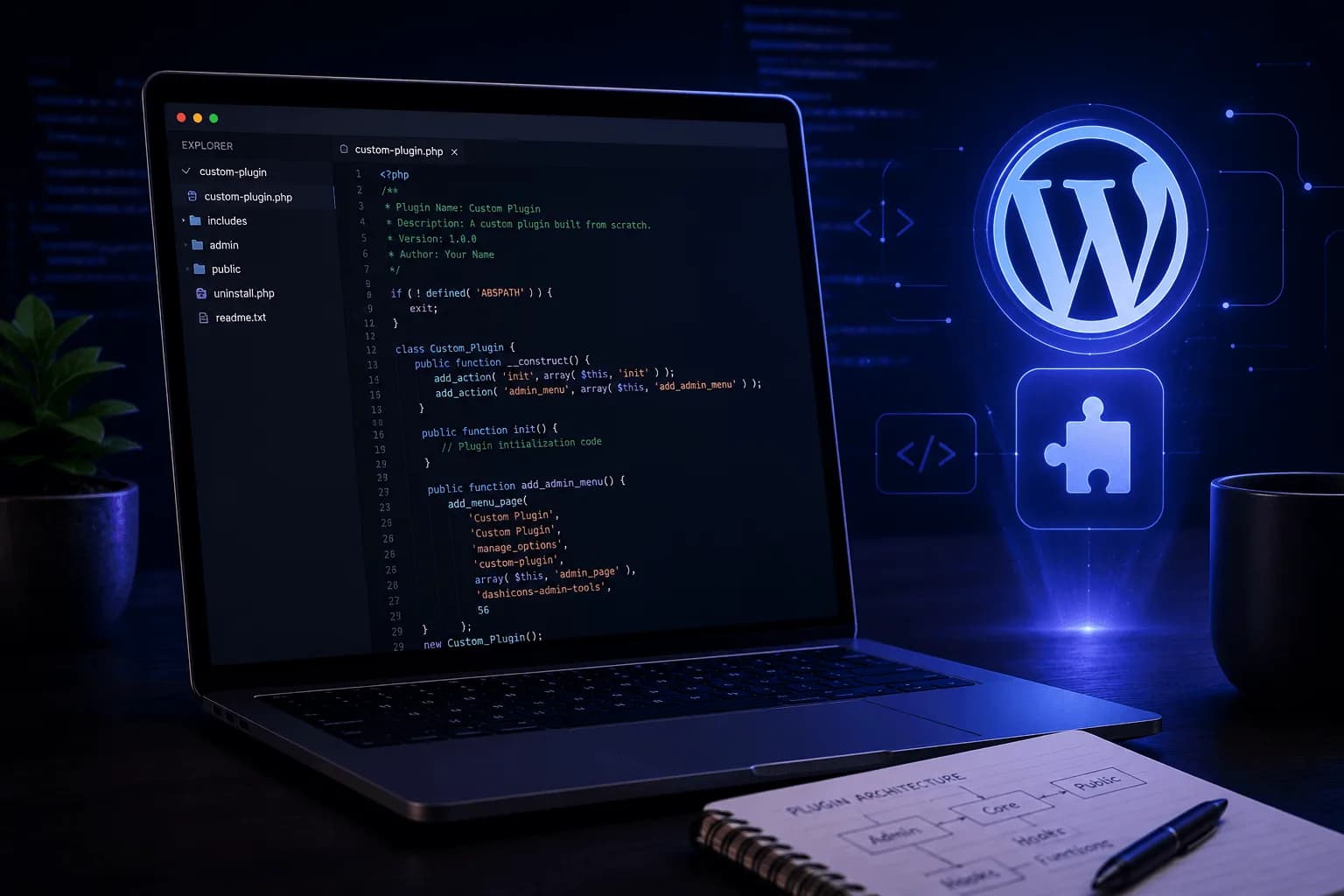
my-custom-plugin.php
Your main plugin file should contain a valid plugin header.
<?php
/**
 * Plugin Name: My Custom Plugin
 * Description: Example custom WordPress plugin.
 * Version: 1.0.0
 * Author: Araib Anwar
 */

if ( ! defined( 'ABSPATH' ) ) {
    exit;
}
WordPress automatically detects plugins using this information.
Organize Your Plugin Properly
As functionality grows, avoid placing everything in one file.
A better structure looks like:
my-custom-plugin/
├── admin/
├── assets/
│ ├── css/
│ └── js/
├── includes/
├── public/
├── languages/
├── uninstall.php
└── my-custom-plugin.php
Keeping responsibilities separated makes long-term maintenance significantly easier.
Use Hooks Instead of Modifying Core Files
WordPress provides actions and filters specifically so developers can extend functionality safely.
For example:
add_action('init', function () {
    // Custom functionality
});
Or modify existing output using filters:
add_filter('the_content', function ($content) {
    return $content;
});
Hooks make upgrades much easier because your changes remain independent of WordPress core.
Security Should Never Be an Afterthought
Every plugin should follow security best practices.
Always:
· Sanitize user input
· Escape output
· Validate submitted data
· Verify nonces
· Check user capabilities
· Prevent direct file access
For example:
if ( ! defined('ABSPATH') ) {
    exit;
}
Never trust user input, even if it comes from administrators.
Performance Matters
A plugin shouldn’t slow down the website.
Good practices include:
· Load CSS only where required
· Load JavaScript only when necessary
· Avoid unnecessary database queries
· Cache expensive operations
· Keep external requests minimal
· Optimize loops and queries
I’ve seen websites become dramatically faster simply by replacing several heavy plugins with one lightweight custom solution.
Follow WordPress Coding Standards
Consistency makes projects easier to maintain.
Use:
· Proper naming conventions
· Clear comments
· Modular architecture
· WordPress APIs
· Standard escaping functions
· Standard sanitization functions
Future you—and every other developer working on the project—will appreciate it.
Test Thoroughly
Before deployment, verify:
· Plugin activation
· Plugin deactivation
· Uninstall process
· User permissions
· Admin pages
· AJAX requests
· API integrations
· Error handling
· PHP compatibility
· WordPress version compatibility
Testing isn’t an optional final step—it’s part of development.
Final Thoughts
Building a custom WordPress plugin isn’t just about writing PHP code. It’s about creating maintainable software that integrates naturally with the WordPress ecosystem while remaining secure, scalable, and easy to extend.
My preferred approach is to keep plugins lightweight, modular, and focused on solving one business problem exceptionally well instead of trying to become an all-in-one solution. That philosophy has consistently resulted in projects that are easier to maintain and perform better over time.
As your projects become more complex, investing in proper architecture from the beginning will pay dividends in reliability, scalability, and developer productivity.