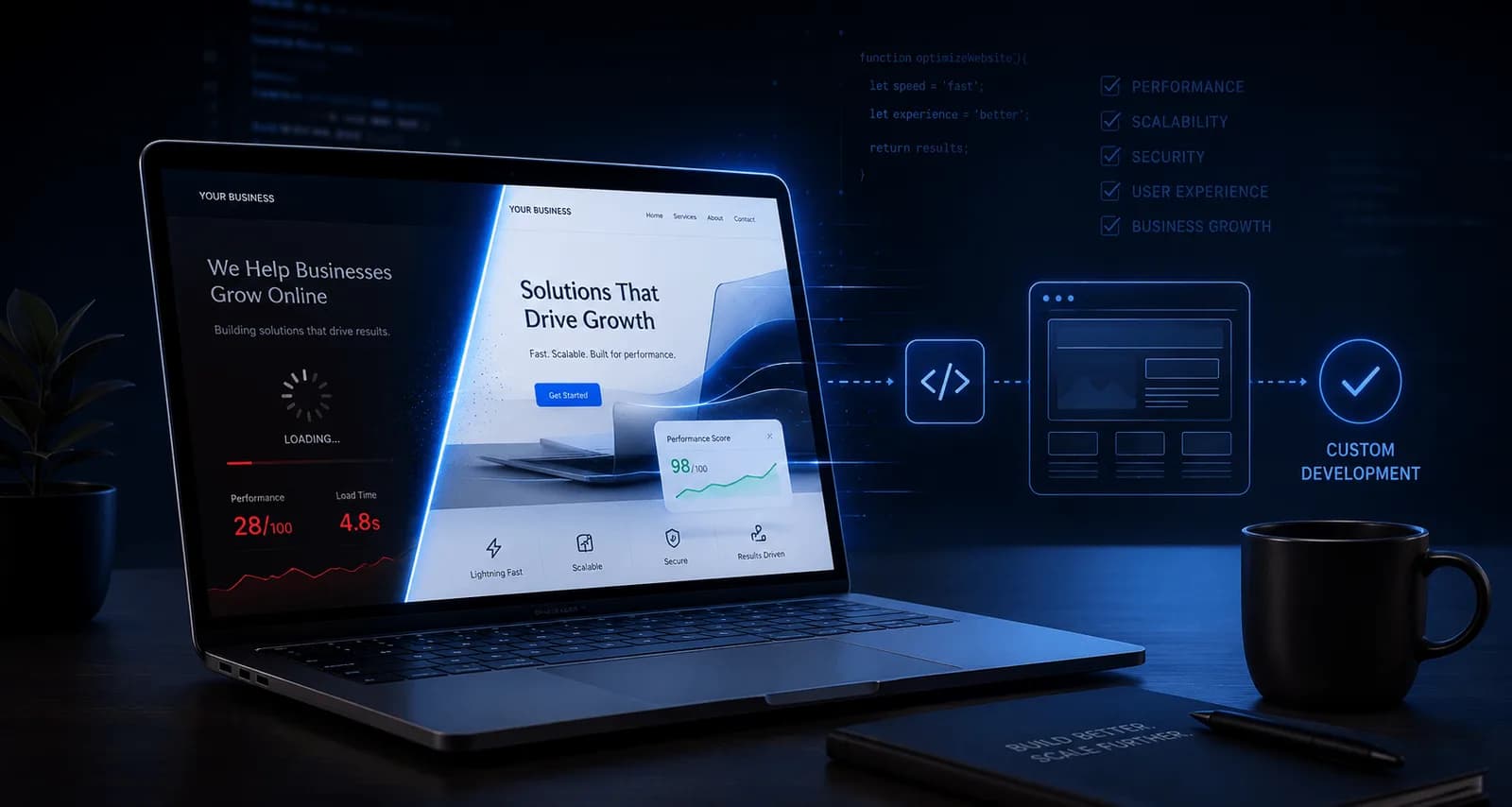
A business website should do more than simply exist online. It should attract visitors, generate leads, build credibility, and support business growth. Yet many websites fail to achieve these goals, despite having an attractive design.
The problem usually isn't the design itself—it's what's happening underneath.
Many businesses rely on templates, overloaded plugins, or quick fixes that work initially but become limiting as the business grows. Slow loading speeds, poor SEO performance, difficult integrations, and scalability issues gradually become obstacles instead of assets.
After working on custom WordPress, WooCommerce, and modern JavaScript projects, one pattern becomes very clear: businesses that invest in solid technical foundations often experience better long-term results than those relying solely on convenience.
Performance Directly Impacts Business
Website speed is no longer just a technical metric.
It affects:
User experience
Search engine rankings
Conversion rates
Customer trust
Bounce rate
Revenue
Even small delays can cause users to leave before interacting with your business.
Performance optimization should be considered during development rather than as an afterthought.
Templates Are Great—Until They Aren't
Website builders and templates have made launching websites easier than ever.
For many small businesses or personal portfolios, they're a perfectly reasonable choice.
However, businesses often outgrow them when they require:
Trying to force complex functionality into generic templates often creates unnecessary technical debt.
Every Plugin Adds Complexity
WordPress has a fantastic plugin ecosystem, but more plugins don't automatically mean better functionality.
Poorly optimized plugins can introduce:
Slow database queries
Extra JavaScript and CSS
Security risks
Compatibility issues
Maintenance challenges
Whenever possible, custom-built functionality designed specifically for project requirements can produce cleaner and more maintainable solutions.
SEO Is Influenced by Technical Quality
Publishing content alone doesn't guarantee search visibility.
Technical implementation plays a significant role, including:
Core Web Vitals
Mobile responsiveness
Clean HTML structure
Proper heading hierarchy
Optimized images
Structured metadata
Efficient loading
Search engines increasingly reward websites that provide better user experiences.
Scalability Matters Earlier Than Most Businesses Expect
Many websites are initially designed for current needs instead of future growth.
As traffic increases or new features become necessary, limitations begin to appear:
Slow dashboards
Database bottlenecks
Long loading times
Difficult deployments
Integration limitations
Planning for scalability from the beginning often reduces redevelopment costs later.
Modern Integrations Are Becoming Standard
Businesses increasingly expect their websites to connect with multiple systems.
Examples include:
CRM platforms
Payment gateways
ERP systems
Booking systems
Marketing automation
AI services
Inventory management
External APIs
A flexible architecture makes these integrations significantly easier to implement and maintain.
Automation Creates Operational Efficiency
Modern websites can automate far more than contact forms.
Businesses can automate:
Automation not only saves time but also reduces repetitive manual work and minimizes errors.
Security and Maintainability Cannot Be Ignored
As businesses grow, website security becomes increasingly important.
Good development practices include:
Security should be part of development rather than something added after deployment.
Custom Development Isn't Always the Right Answer
It's important to acknowledge that custom development isn't necessary for every project.
Simple informational websites can often perform perfectly well using existing tools.
However, businesses requiring:
Advanced workflows
Custom functionality
Integrations
High performance
Scalability
Long-term flexibility
often benefit significantly from tailored development solutions.
The objective shouldn't be to build something complex—it should be to build something appropriate.
Final Thoughts
Technology should support business growth, not create limitations.
Whether using WordPress, WooCommerce, Next.js, or custom-built solutions, success comes from choosing the right architecture for the business rather than simply following trends.
Fast, maintainable, scalable websites consistently provide better long-term value than quick implementations that require repeated rebuilding.
For businesses planning for future growth, investing in strong technical foundations today can prevent expensive problems tomorrow.