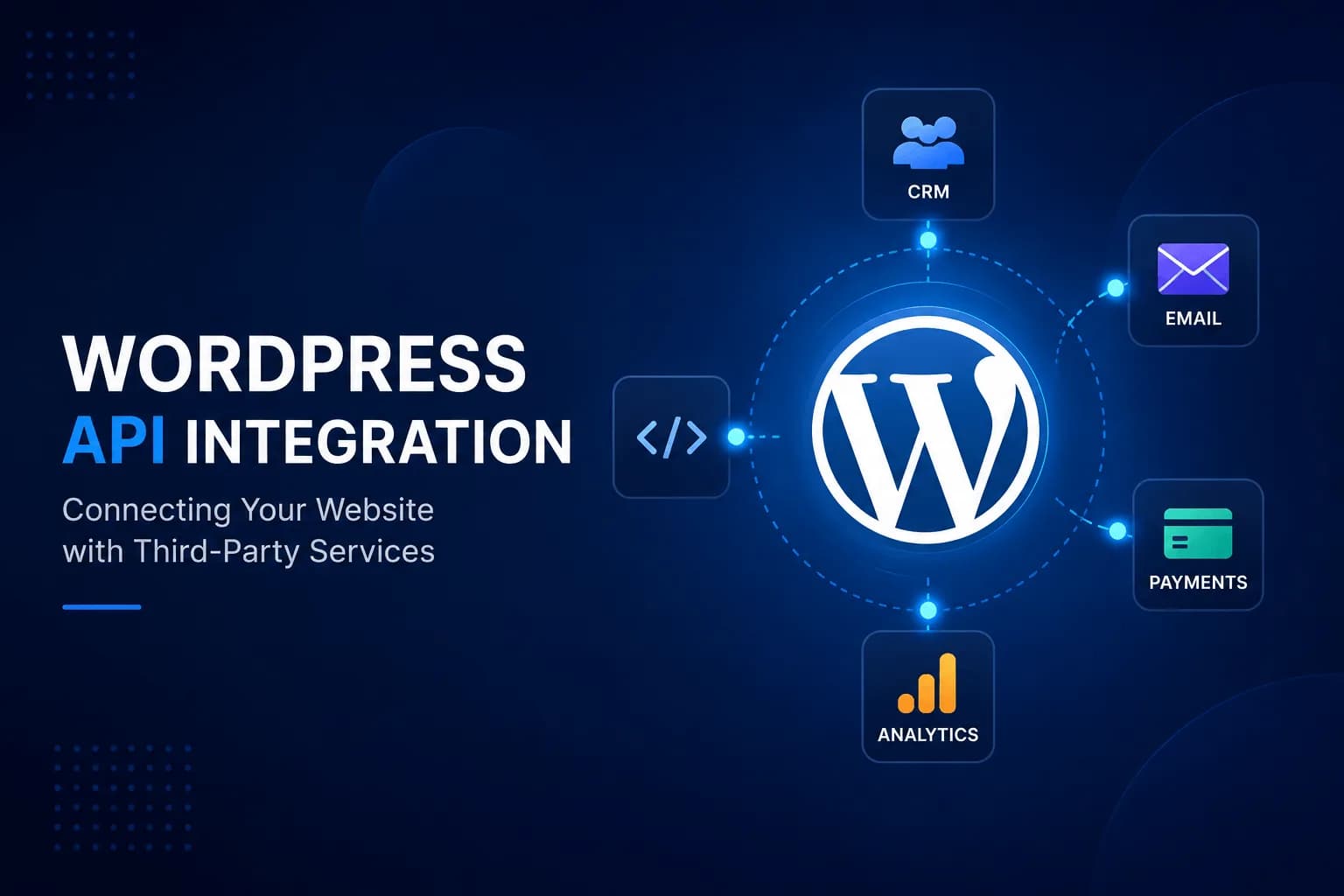
Modern websites rarely operate as standalone systems. Businesses rely on a wide range of platforms to manage customer relationships, payments, marketing campaigns, inventory, analytics, and internal operations. For these systems to work efficiently, they need to communicate with one another.
This is where WordPress API integration becomes essential.
By integrating WordPress with third-party APIs, businesses can automate workflows, synchronize data, reduce manual work, and create better user experiences. Whether you're connecting a CRM, payment gateway, email marketing platform, or an AI service, APIs allow your website to exchange information securely and efficiently.
In this practical guide, you'll learn what APIs are, how WordPress integrates with external services, common use cases, implementation methods, and best practices for building reliable integrations.
What is an API?
API stands for Application Programming Interface.
Think of an API as a messenger between two applications.
Instead of entering information manually into multiple systems, APIs allow software to exchange data automatically.
For example:
Customer submits a contact form
            ↓
        WordPress
            ↓
      CRM API Request
            ↓
Lead Created in CRM
The customer only fills out one form, while multiple systems are updated behind the scenes.
Why Integrate WordPress with Third-Party APIs?
Businesses use dozens of applications every day.
Examples include:
Without integrations, teams often perform repetitive manual tasks.
With API integration, WordPress becomes the central hub that connects all these systems.
Benefits include:
Common WordPress API Integrations
Here are some of the most common integrations businesses implement.
CRM Integration
Automatically send leads from WordPress forms to:
HubSpot
Salesforce
Zoho CRM
This eliminates manual data entry and ensures sales teams receive leads immediately.
Payment Gateway Integration
Online stores often integrate payment providers such as:
API integration enables secure payment processing without leaving the website.
Email Marketing Platforms
Instead of exporting email addresses manually, APIs can automatically add subscribers to platforms like:
Mailchimp
Brevo
ActiveCampaign
Marketing campaigns become faster and more accurate.
AI Services
Businesses are increasingly integrating AI into WordPress.
Examples include:
AI chatbots
Content generation
Customer support
Content summarization
Translation services
AI APIs allow websites to deliver more personalized and automated experiences.
Shipping and Logistics
WooCommerce stores frequently integrate:
These integrations automate shipping labels, tracking information, and delivery updates.
How WordPress Communicates with APIs
Most integrations follow the same workflow.
User Action
      ↓
WordPress
      ↓
API Request
      ↓
Third-Party Service
      ↓
Response
      ↓
WordPress
For example:
A customer completes a quotation form.
WordPress sends customer details to a CRM.
The CRM creates a new lead.
The CRM responds with confirmation.
WordPress displays a success message.
All of this happens in seconds.
Methods for Integrating APIs with WordPress
There are several ways to integrate external APIs.
1. WordPress HTTP API
WordPress includes built-in functions for making HTTP requests.
Developers commonly use these functions to:
Send POST requests
Retrieve JSON data
Authenticate APIs
Process responses
This approach is suitable for custom integrations.
2. WordPress REST API
The WordPress REST API allows external applications to interact with WordPress itself.
Common operations include:
The REST API is widely used in Headless WordPress architectures and automation platforms such as n8n.
3. Webhooks
Webhooks allow applications to notify one another when specific events occur.
Example:
WooCommerce Order Created
            ↓
Webhook
            ↓
Inventory System Updated
Unlike scheduled polling, webhooks provide near real-time communication.
Authentication Methods
Most APIs require authentication.
Common methods include:
API Keys
Simple and widely used.
OAuth
Provides secure delegated access.
Common with Google, Microsoft, and many SaaS platforms.
Bearer Tokens
Often used in REST APIs for secure communication.
Always store credentials securely and never expose them publicly.
Practical Example: Connecting WordPress to a CRM
Imagine a business website with a contact form.
Instead of manually copying leads into a CRM:
Visitor submits the form.
WordPress validates the data.
An API request is sent to the CRM.
A new contact is created automatically.
The sales team receives a notification.
The process is fully automated and reduces the risk of human error.
Common Challenges
API integrations are powerful, but they also introduce challenges.
Authentication Errors
Incorrect credentials are one of the most common causes of failed API requests.
Rate Limits
Many APIs limit the number of requests that can be made within a certain period.
Applications should handle these limits gracefully.
Timeout Issues
External services may occasionally respond slowly.
Implement retry logic and proper error handling.
Data Validation
Always validate incoming and outgoing data before processing it.
Never assume external data is complete or accurate.
Best Practices
When building WordPress API integrations, follow these recommendations:
Use HTTPS for all API requests.
Store API credentials securely.
Validate and sanitize all input data.
Log API errors for easier debugging.
Cache responses whenever appropriate.
Handle failed requests gracefully.
Follow API documentation carefully.
Test integrations in a staging environment before deploying to production.
Good integrations should be secure, reliable, and easy to maintain.
Real-World Use Cases
Businesses use WordPress API integration to:
Synchronize customer data with CRMs.
Connect WooCommerce with inventory systems.
Send contact form submissions to marketing platforms.
Automate content publishing.
Integrate AI-powered chatbots.
Process online payments.
Generate invoices automatically.
Connect websites with internal business applications.
As organizations adopt more digital tools, API integration becomes increasingly valuable.
Final Thoughts
A modern website should do more than display information—it should connect seamlessly with the systems your business relies on every day.
WordPress API integration enables businesses to automate workflows, reduce repetitive tasks, improve data accuracy, and deliver better customer experiences.
Whether you're building a simple contact form integration or connecting multiple business platforms, understanding APIs is an essential skill for modern WordPress development.
Investing in well-designed integrations today can save countless hours of manual work while creating a scalable foundation for future growth.